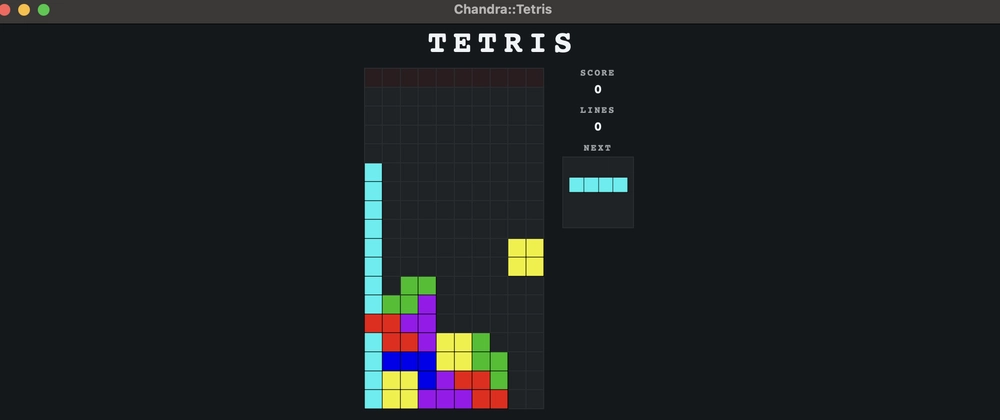
Chandra: Cross-Platform Desktop GUIs in Perl
Building desktop applications has traditionally been a challenge in the Perl ecosystem. While we have excellent tools for web development, backend services, and system administration, creating native feeling desktop apps often meant learning and wrestling with complex GUI toolkits or abandoning Perl altogether.
Chandra attempts to change that equation.
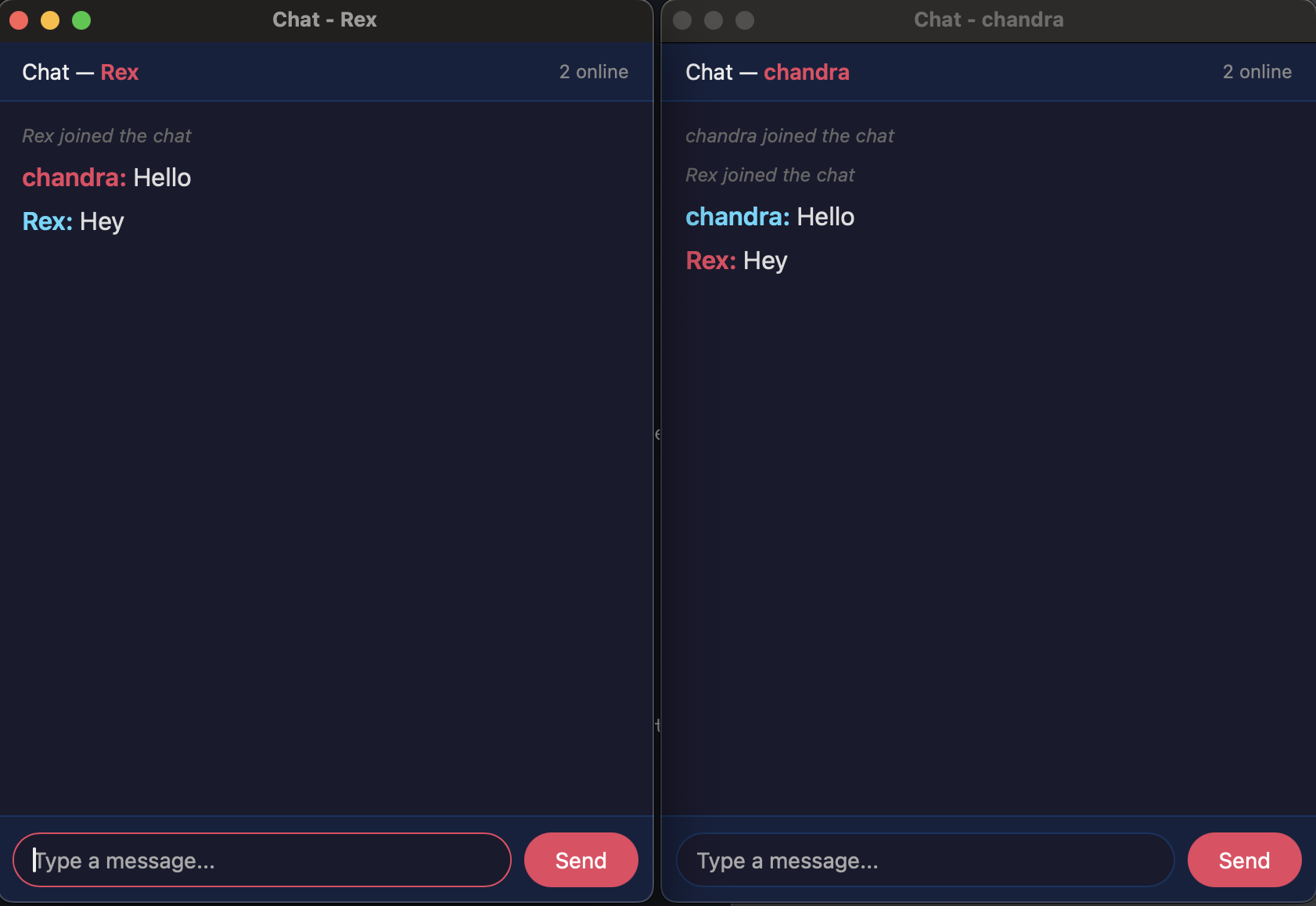
What is Chandra?
Chandra is a Perl module that lets you build cross-platform desktop applications using the web technologies you already know — HTML, CSS, and JavaScript — while keeping your application logic in Perl. Under the hood, it leverages native webview components (WebKit on macOS/Linux, Edge on Windows) to render your UI, giving you the best of both worlds: native performance with web flexibility.
use Chandra::App;

my $app = Chandra::App->new(
    title  => 'My First App',
    width  => 800,
    height => 600,
);

$app->set_content('<h1>Hello from Perl!</h1>');
$app->run;
That's it. Five lines to create a windowed application.

The Bridge Between Worlds
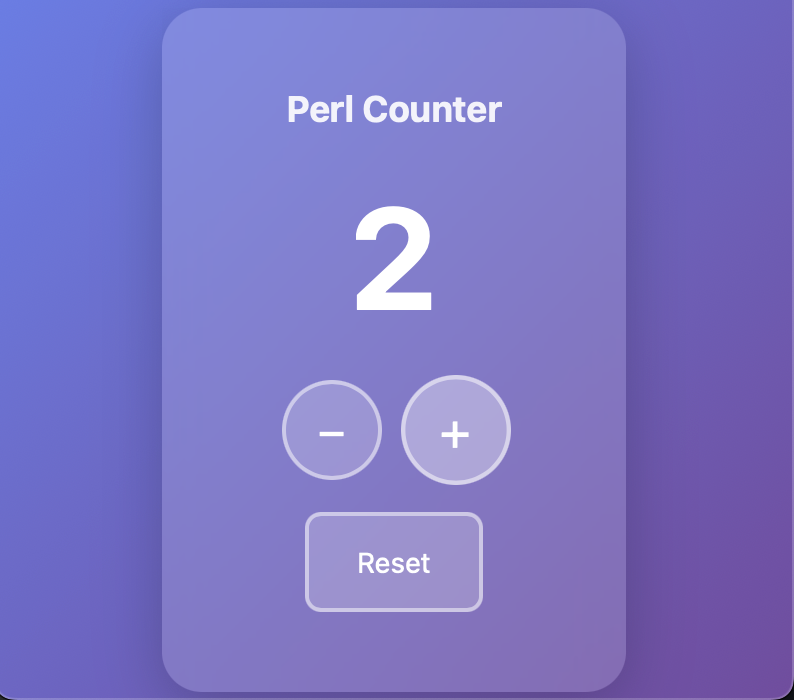
The real power of Chandra lies in its seamless bidirectional communication between Perl and JavaScript. You can expose Perl functions to your frontend with a simple bind call:
my $app = Chandra::App->new(title => 'Counter');

my $count = 0;

$app->bind('increment', sub {
    $count++;
    return $count;
});

$app->bind('decrement', sub {
    $count--;
    return $count;
});

$app->set_content(<<'HTML');
<!DOCTYPE html>
<html>
<body>
    <h1 id="counter">0</h1>
    <button onclick="inc()">+</button>
    <button onclick="dec()">-</button>
    <script>
        async function inc() {
            let val = await window.chandra.invoke('increment');
            document.getElementById('counter').textContent = val;
        }
        // or
        function dec() {
            window.chandra.invoke('decrement').then(function(val) {
                document.getElementById('counter').textContent = val;
            });
        }
    </script>
</body>
</html>
HTML

$app->run;
Your JavaScript calls window.chandra.invoke('increment'), Perl increments the counter, and the result flows back as a Promise. JSON serialization happens automatically.
Building UIs the Perl Way
If you prefer constructing your UI in Perl rather than writing raw HTML strings, Chandra::Element provides a DOM-like interface:
use Chandra::Element;

my $ui = Chandra::Element->new({
    tag => 'div',
    class => 'container',
    style => { padding => '20px', background => '#f5f5f5' },
    children => [
        { tag => 'h1', data => 'Welcome' },
        {
            tag => 'button',
            data => 'Click Me',
            onclick => sub {
                my ($event, $app) = @_;
                print "Button clicked!\n";
            },
        },
    ],
});

$app->set_content($ui);
Event handlers are automatically wired up — when the button is clicked, your Perl callback fires.
Single-Page Apps with Built-in Routing
Modern desktop apps often benefit from SPA-style navigation. Chandra has you covered:
my $app = Chandra::App->new(title => 'My SPA');

$app->layout(sub {
    my ($body) = @_;
    return qq{
        <nav>
            <a href="/">Home</a>
            <a href="/settings">Settings</a>
        </nav>
        <div id="chandra-content">$body</div>
    };
});

$app->route('/' => sub {
    return '<h1>Home</h1><p>Welcome!</p>';
});

$app->route('/settings' => sub {
    return '<h1>Settings</h1><p>Configure your app...</p>';
});

$app->route('/user/:id' => sub {
    my (%params) = @_;
    return "<h1>User $params{id}</h1>";
});

$app->run;
Navigation happens client-side with no page reloads — just like a web SPA, but in a native window.
Native Integration Done Right
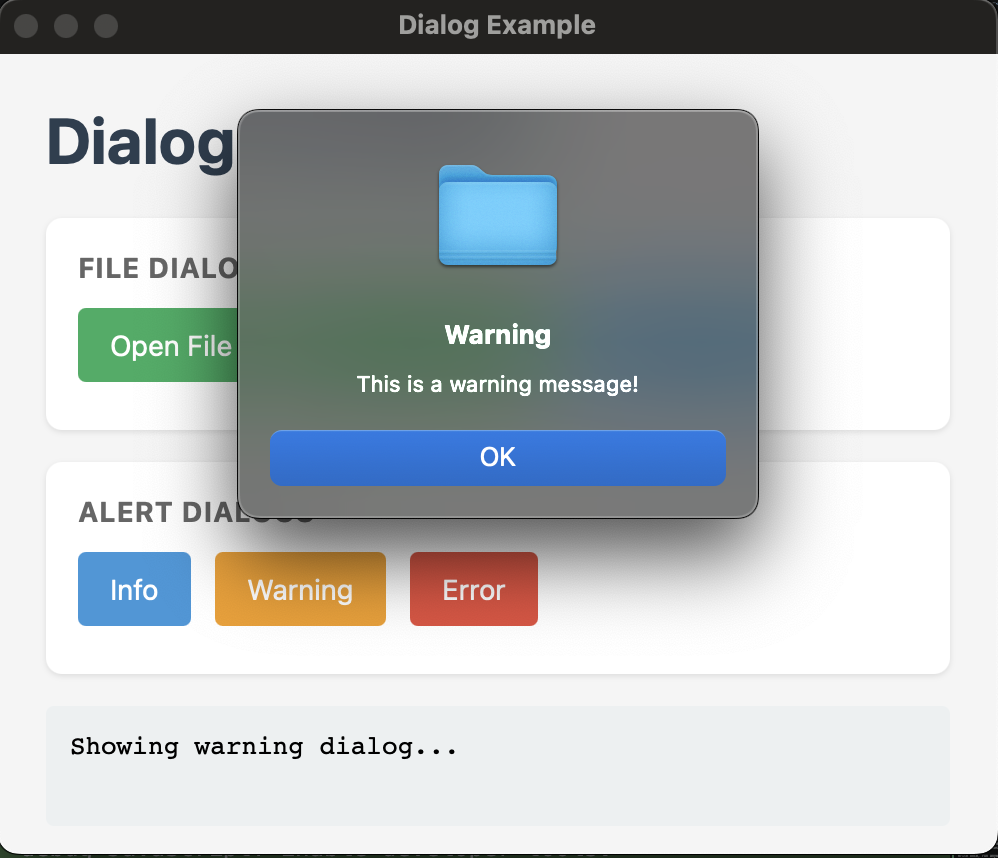
Chandra doesn't just wrap a browser. It provides genuine desktop integration:
Native Dialogs
# File picker
my $path = $app->dialog->open_file(title => 'Select a file');

# Directory picker
my $dir = $app->dialog->open_directory;

# Save dialog
my $save_path = $app->dialog->save_file(
    title   => 'Save As',
    default => 'document.txt',
);

# Alert dialogs
$app->dialog->info(message => 'Operation complete!');
$app->dialog->error(message => 'Something went wrong');
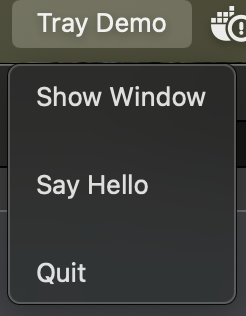
System Tray
use Chandra::Tray;

my $tray = Chandra::Tray->new(
    app     => $app,
    icon    => 'icon.png',
    tooltip => 'My App',
);

$tray->add_item('Show Window' => sub { $app->show });
$tray->add_separator;
$tray->add_item('Quit' => sub { $app->terminate });
$tray->show;
Persistent Storage
my $store = $app->store;  # ~/.chandra/<app-name>/store.json

$store->set('theme', 'dark');
$store->set('window.width', 1200);
$store->set('recent_files', ['/path/a', '/path/b']);

my $theme = $store->get('theme');  # 'dark'
Dot notation for nested keys, automatic JSON serialization, atomic writes with file locking — storage that just works.
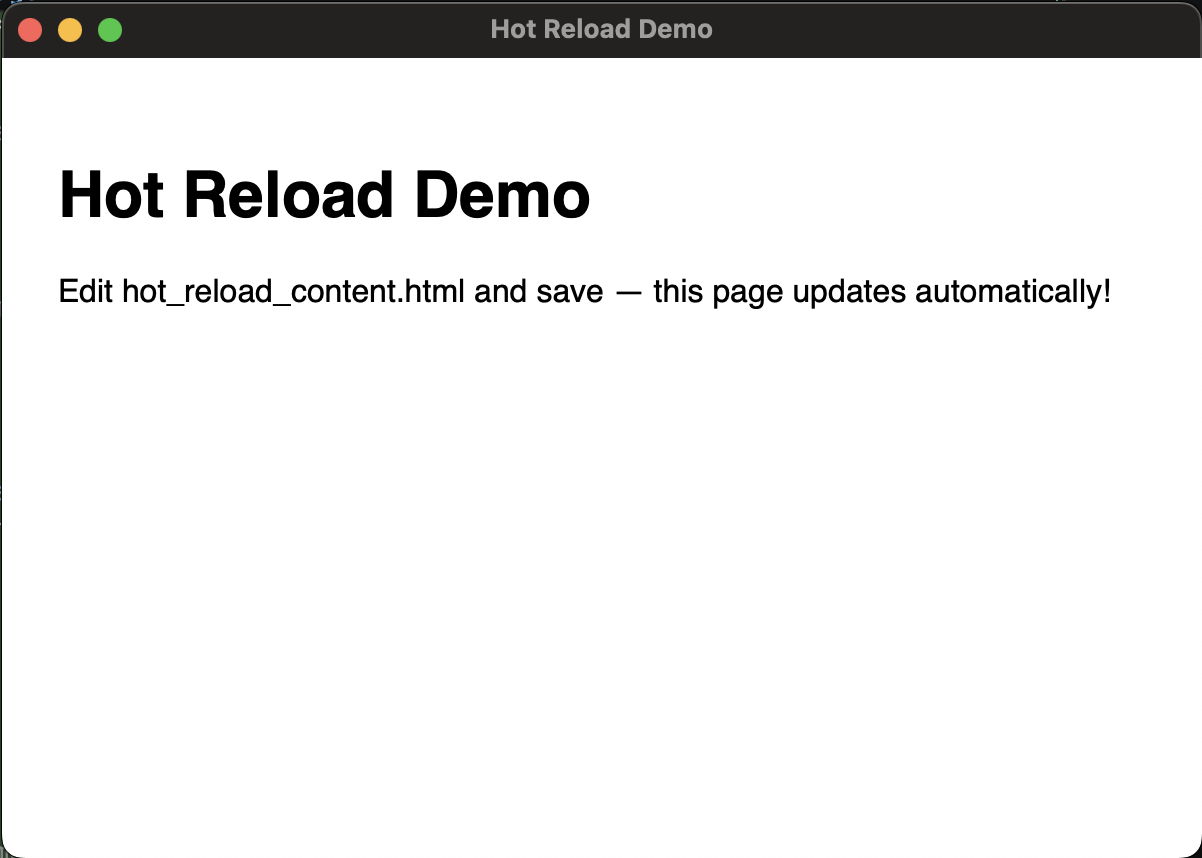
Hot Reload
Wtch your source files and refresh automatically:
$app->watch('lib/', sub {
    my ($changed) = @_;
    print "Files changed: @$changed\n";
    $app->set_content(build_ui());
    $app->refresh;
});

$app->run;
DevTools
Need to inspect elements or debug JavaScript? Enable developer tools:
my $app = Chandra::App->new(
    title => 'Debug App',
    debug => 1,  # Press F12 to open DevTools
);
Platform Support
Chandra works across the major desktop platforms:
- macOS — Uses WebKit via WKWebView
- Linux — Uses WebKitGTK
- Windows — Uses MSHTML/Edge
Getting Started
Install from CPAN:
cpanm Chandra
Or from source:
perl Makefile.PL
make
make install
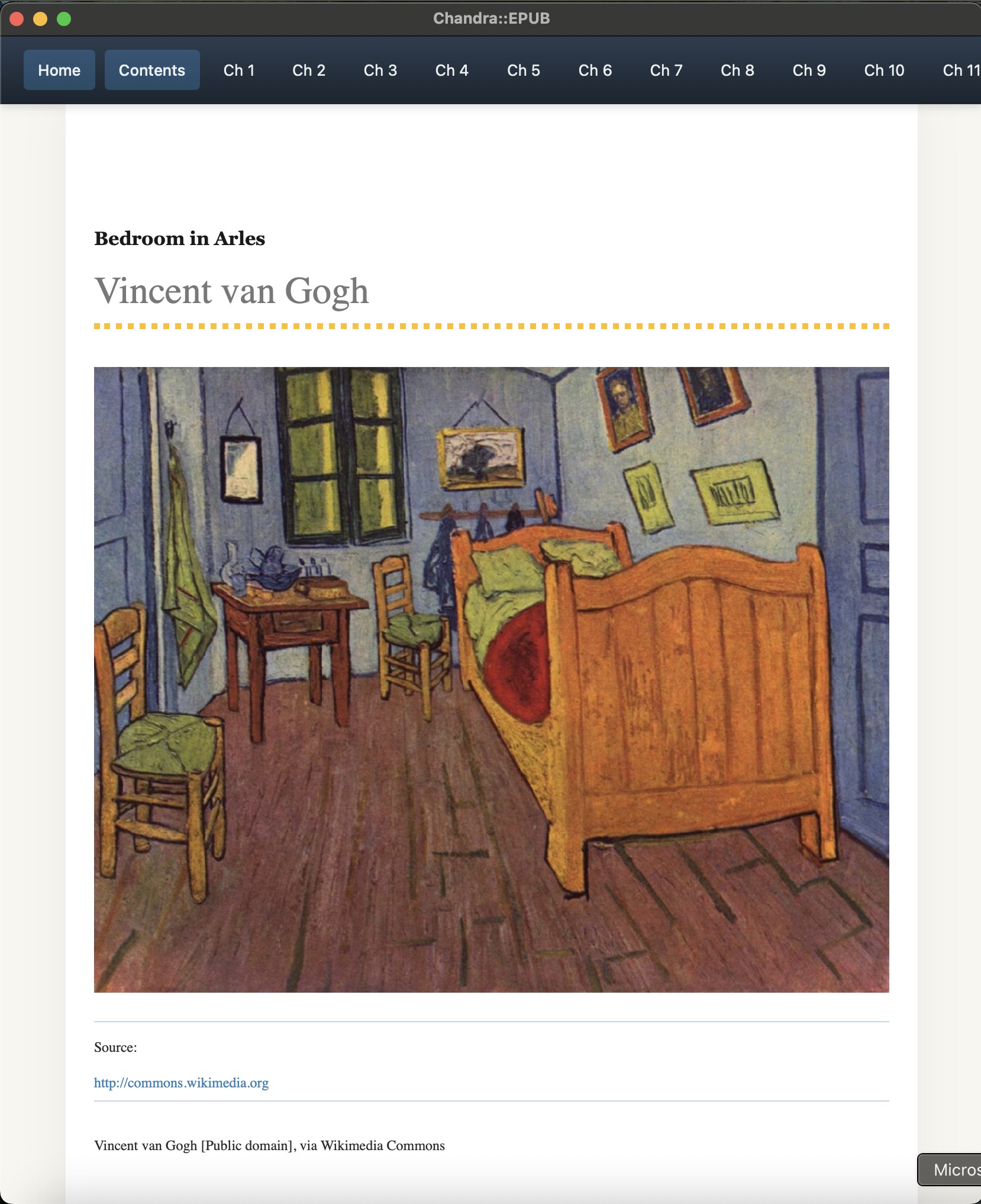
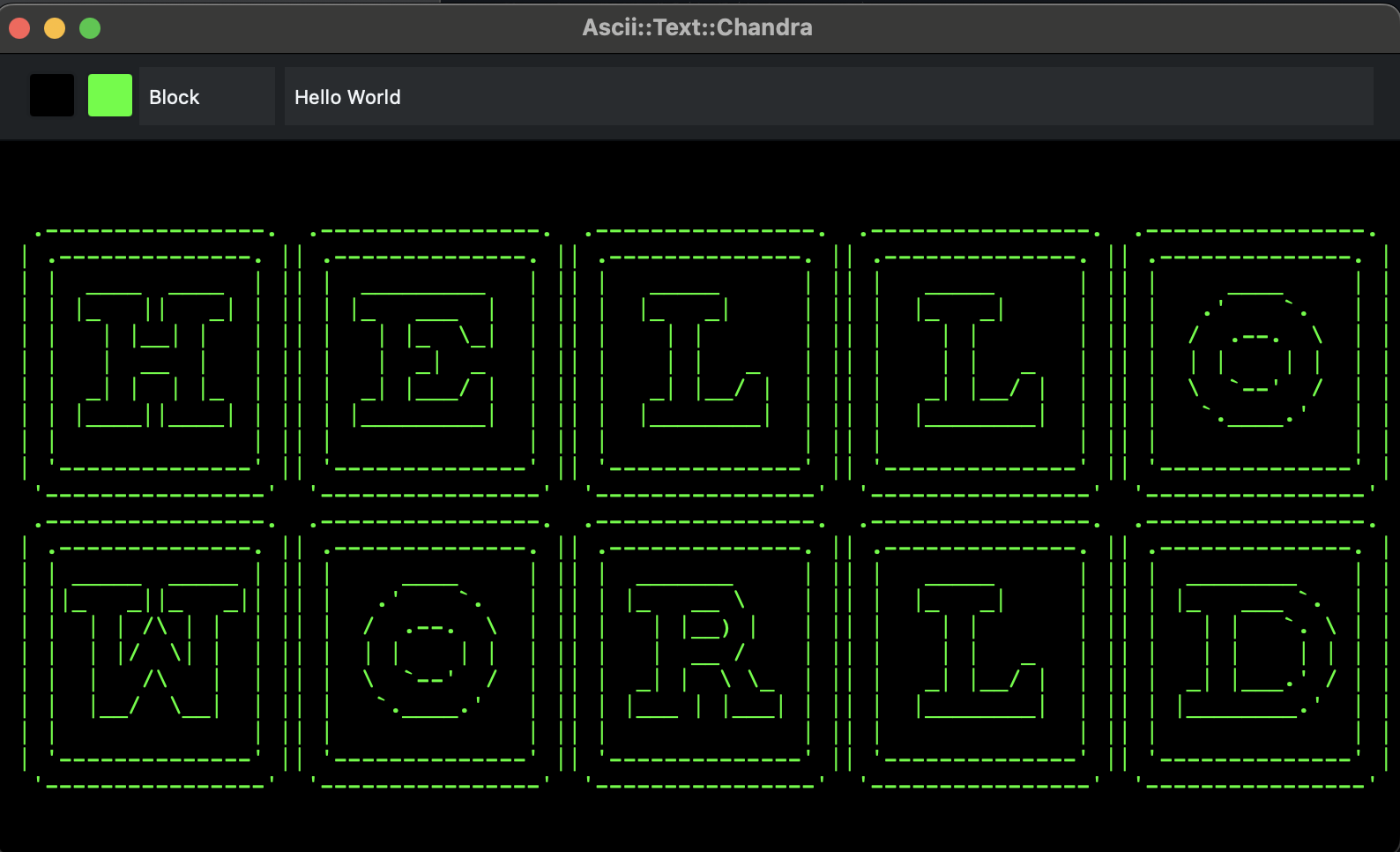
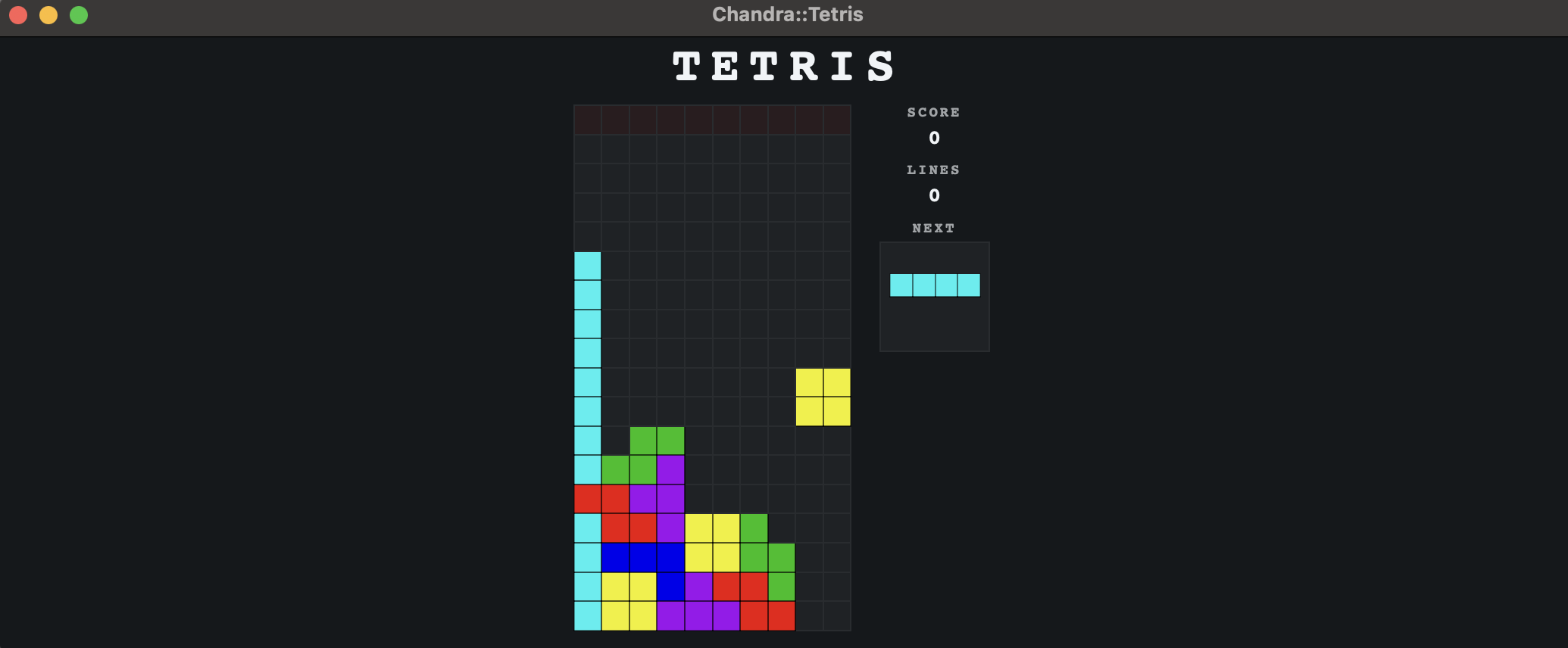
Then dive into the examples directory for working demonstrations of all major features or I also have several modules already available for you to test:
A Side note: I'm currently on look out for a new contract or permanent opportunity. If you know of any relevant openings, I'd appreciate hearing from you - email@lnation.org